Collar › Guides › Coming from another system
Guide · coming from
Coming from lab certificates
Drop the lab's file as it came: Collar reads the certificate and matches every result to your samples.
01
Get the data out
- Download the certificate from the lab as CSV or Excel. Keep the header block the lab put above the results.
- Drop it on Collar's Import screen, with your workbooks or on its own.
- On its card, press Read as a certificate. Collar says "Sent to Assays. Confirm … there.": open Assays, check the matching and confirm.
02
What Collar does with it
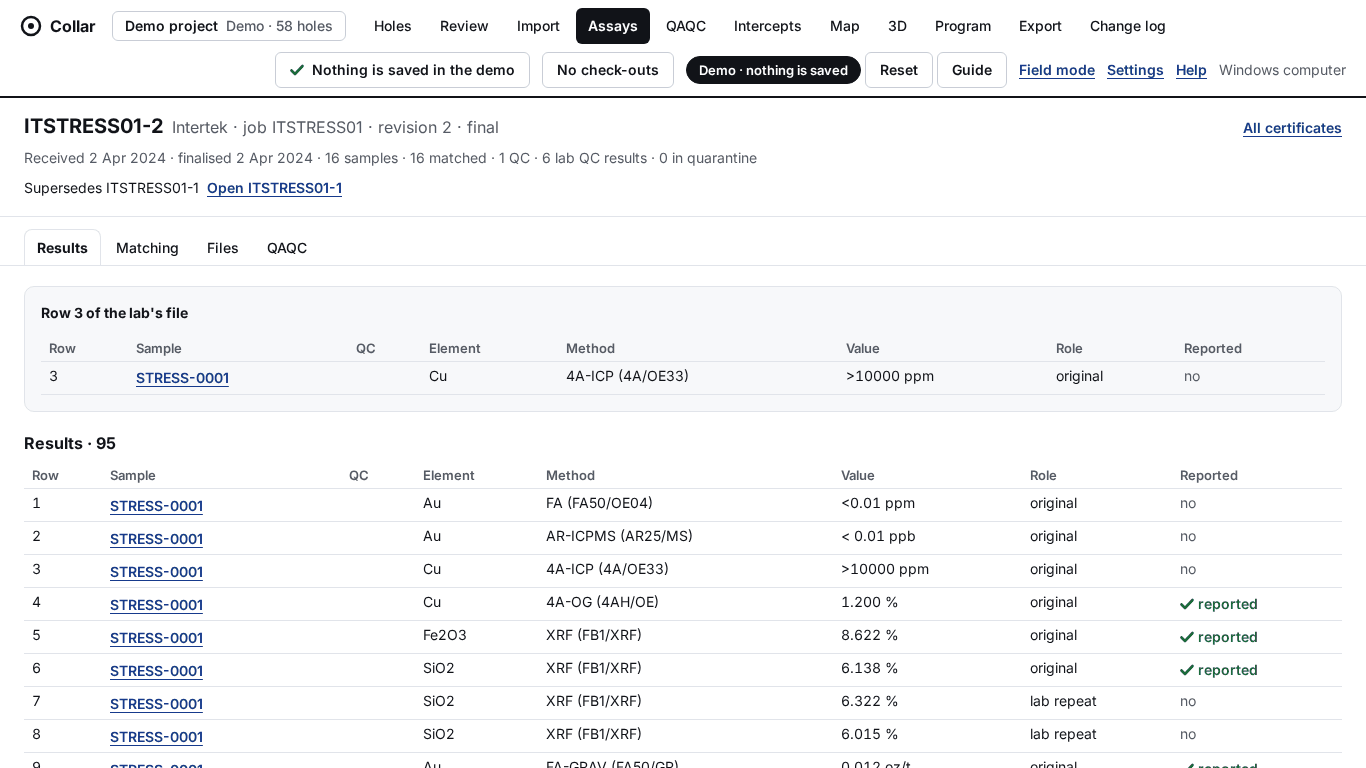
- Drop the certificate as the lab sent it, CSV or Excel: Collar recognises it on Import and offers it to Assays.
- Reads ALS CSV and Excel downloads, Intertek reports with their lab QC rows, and any sheet with method, unit and detection-limit rows above the results.
- Each result lines up with its sample in your register; a result with no sample is raised.
- PDF certificates are filed with the certificate, not read.
101 named checks, each explained in plain words, run on your drillhole and assay data the moment it is imported. Blockers stop an export until they are fixed or a named person overrides them with a reason.
03
The result in Collar
04